Email Automation: The Ultimate Guide for Beginners (2025 Edition)
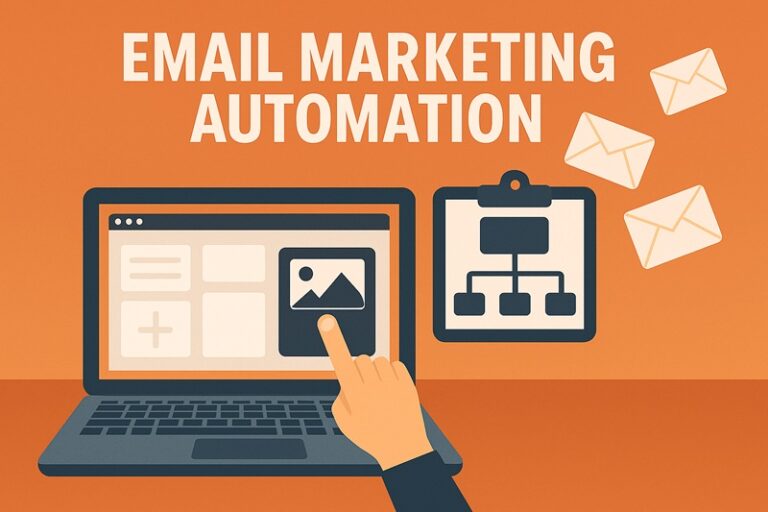
If you’re still sending every email manually, you’re leaving time and money on the table. In 2025, email automation is no longer a “nice-to-have” — it’s a must-have for businesses, creators, and eCommerce brands.
With automation, you can:
- Send the right message at the right time.
- Build stronger customer relationships.
- Generate sales on autopilot.
This guide will break down everything beginners need to know about email automation — from how it works to the best tools and workflows you can set up today.
What is Email Automation?
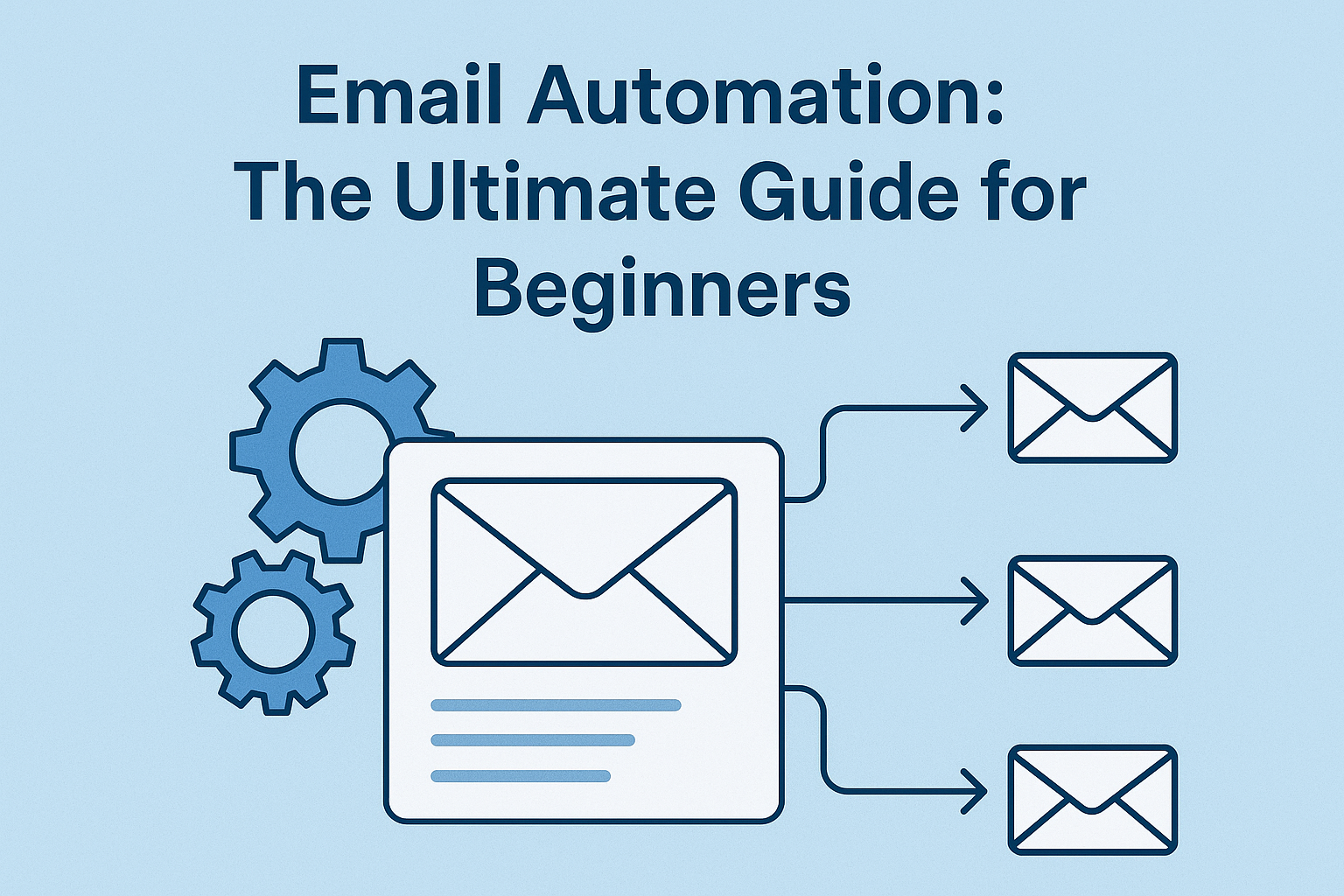
Email automation is the process of sending emails automatically, triggered by subscriber behavior or pre-defined rules.
Examples:
- A welcome email after someone subscribes.
- A cart abandonment email if a shopper leaves items behind.
- A birthday discount email to loyal customers.
Instead of blasting your entire list, automation makes your emails personalized and timely.
Why Email Automation Matters in 2025
- Saves Time → Set it once, and it runs automatically.
- Boosts Engagement → Sends relevant emails instead of generic blasts.
- Improves Conversions → Personalized emails convert 6x better than bulk ones.
- Scales Easily → Handles thousands of subscribers without extra effort.
Step 1: Choose the Right Email Automation Tool
Popular beginner-friendly tools in 2025:
- Mailchimp → Great starter platform.
- MailerLite → Simple + affordable.
- ConvertKit → Perfect for creators/bloggers.
- ActiveCampaign → Best for advanced automation.
- Klaviyo → Ideal for eCommerce stores.
💡 Pro Tip: Start simple. You don’t need advanced features right away.
Step 2: Understand Common Email Automation Workflows
1. Welcome Sequence
Triggered when someone subscribes.
- Email 1: Welcome & deliver promised lead magnet.
- Email 2: Share your story/brand values.
- Email 3: Offer valuable tips/resources.
- Email 4: Soft pitch product/service.
2. Cart Abandonment Emails (eCommerce)
Triggered when a user leaves items in their cart.
- Reminder email with product images.
- Follow-up with discount or free shipping.
- Final “last chance” reminder.
3. Lead Nurturing Series
Helps turn leads into paying customers.
- Share case studies, guides, or success stories.
- Provide social proof/testimonials.
- Transition to sales offer.
4. Re-Engagement Campaign
Triggered when a subscriber hasn’t opened in 60–90 days.
- “We miss you” message.
- Exclusive discount/freebie.
- Option to stay subscribed or opt-out.
5. Post-Purchase Follow-Up
Triggered after a customer makes a purchase.
- Thank them for buying.
- Share product tips/guides.
- Upsell or cross-sell related products.
Step 3: Craft High-Converting Automated Emails
- Subject Lines: Keep them short, clear, and curiosity-driven.
- Personalization: Use name, purchase history, or behavior.
- Clear CTA: Every email should have one main action.
- Mobile Optimization: 70% of emails are opened on phones.
Step 4: Measure and Optimize
Track performance metrics like:
- Open Rate → Are your subject lines working?
- Click-Through Rate (CTR) → Are people engaging?
- Conversion Rate → Are they taking action?
- Unsubscribe Rate → Is your frequency/content off?
Run A/B tests to improve results over time.
Common Beginner Mistakes to Avoid
❌ Over-automating too early (start with basics).
❌ Writing emails that feel robotic (keep them human).
❌ Not cleaning your list regularly.
❌ Ignoring compliance (GDPR, CAN-SPAM).
Final Thoughts
Email automation in 2025 is about creating a system that works for you — while delivering value to your subscribers.
Start small:
- Set up a welcome sequence.
- Add cart abandonment (if eCommerce).
- Build from there.
👉 The sooner you start automating, the faster you’ll free up time, increase engagement, and grow sales — all on autopilot.